
Continuous Inkjet Printer Maintenance vs Repair: Knowing Which Service You Need
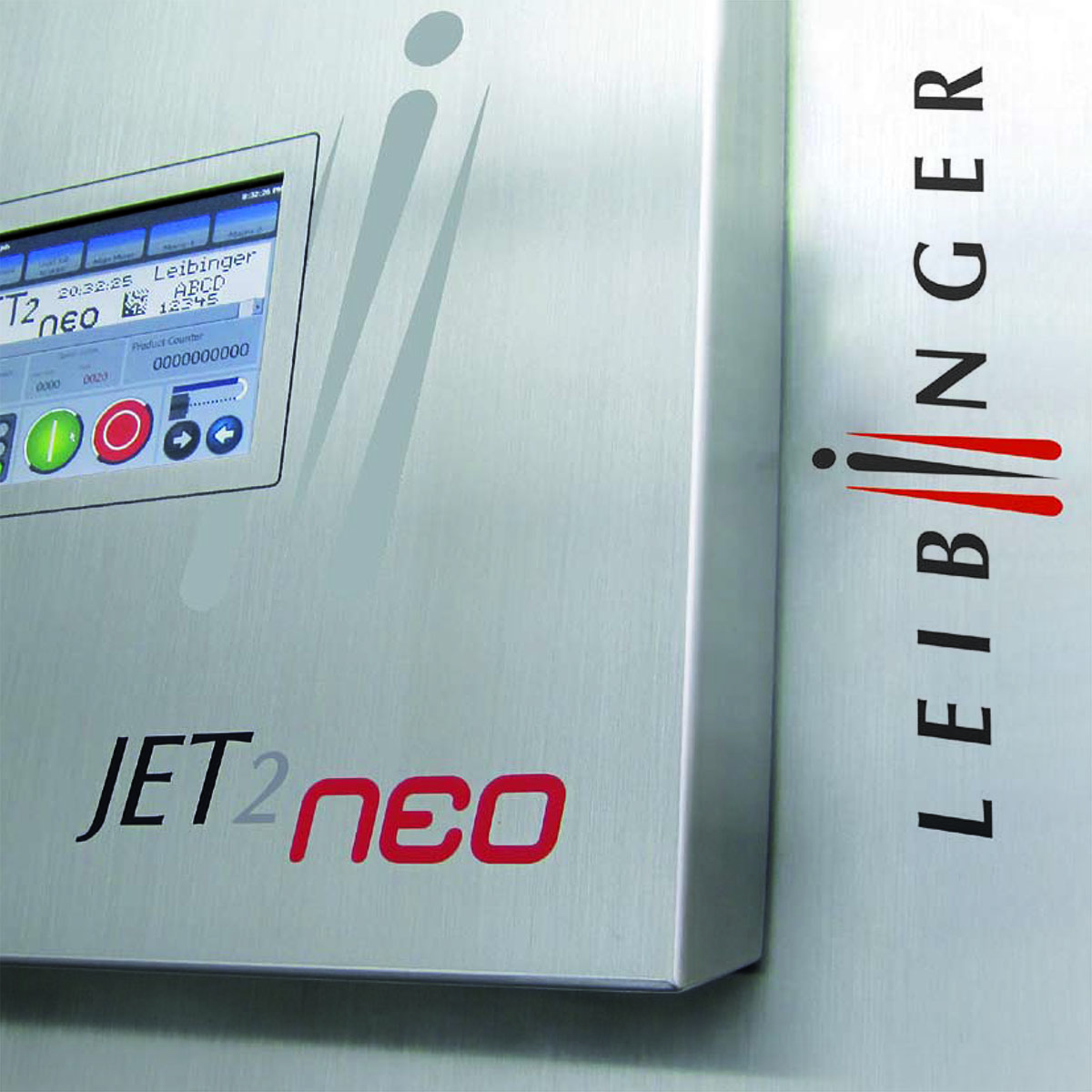
Preventative Maintenance is scheduled service based on manufacturer requirements. Repair involves diagnosing and correcting a fault or performance issue. An illuminated maintenance service indicator means Preventative Maintenance is due. Printing problems require technical assessment to determine the appropriate response.
Understanding this distinction helps manufacturers discuss CIJ printer repair and service without diagnosing equipment themselves. All Pro Technical Service provides maintenance, phone support, shop repair, and on-site assistance for Leibinger and Linx continuous inkjet printers.
Does repairing a continuous inkjet printer replace scheduled maintenance?
No. Repair addresses a specific fault or performance issue, while Preventative Maintenance follows manufacturer-recommended service requirements. After a repair, discuss the printer's maintenance history and next service requirements with the technician.
Is flushing and refilling ink enough to maintain a CIJ printer?
No. Flushing old or expired ink and solvent and refilling with fresh fluids is only one component of complete Preventative Maintenance. All Pro Technical Service follows manufacturer requirements and provides applicable software updates and technician recommendations during maintenance visits.
Continuous Inkjet Printer Maintenance and Repair Compared
| Consideration | Preventative Maintenance | Repair |
|---|---|---|
| Purpose | Complete scheduled service requirements | Diagnose and correct an identified problem |
| Starting point | Manufacturer recommendations and maintenance history | Reported symptoms and technical assessment |
| Scope | Maintenance appropriate to the printer | Corrective work based on assessment findings |
| Information needed | Manufacturer, model, serial number, usage, ink type, and service records | Manufacturer, model, serial number, symptoms, display messages, and previous troubleshooting |
What Does Preventative Maintenance Include?
Preventative Maintenance includes flushing old or expired ink and solvent and refilling with fresh fluids. This is only one component of complete service.
A qualified technician also provides applicable software updates and recommendations. The maintenance scope follows the specific printer's requirements.
All Pro Technical Service follows manufacturer-recommended service intervals. Planning also considers:
- Production hours and equipment usage
- The type of ink being used
- Equipment type and model
- Plant environment and operating conditions
An illuminated maintenance service indicator means Preventative Maintenance is due. Follow the manufacturer's instructions and contact All Pro Technical Service to arrange maintenance.
Use OEM consumables or alternatives recommended by All Pro Technical Service. Do not assume that adding or replacing fluids will resolve a reported printing problem.
What Does CIJ Printer Repair Include?
Repair addresses an equipment fault or performance concern requiring diagnosis and corrective work. Faded printing or startup difficulties are observations to report, rather than proof of a specific failure.
All Pro Technical Service's shop technicians evaluate printers and eligible components. Factory-trained technicians also travel to customer facilities for on-site support.
The appropriate service route depends on the printer and reported issue. Contact All Pro Technical Service before shipping equipment for preparation and return authorization instructions.
Customers should understand the proposed work and approval requirements before repairs proceed. Discuss work outside the scheduled maintenance scope separately.
Can a Printer Need Maintenance and Repair?
Yes. A printer may be approaching its maintenance interval while also showing a performance problem. Mention both when arranging assistance.
For example, an operator might report incomplete characters when booking scheduled maintenance. That observation gives the technician additional context but does not establish whether maintenance alone will resolve it.
Similarly, completing a repair does not replace future manufacturer-recommended maintenance. Retain service records and follow the technician's recommendations for the equipment.
How Is the Appropriate Service Determined?
Start by describing what the printer is doing. All Pro Technical Service offers technical assistance by phone, including troubleshooting recommendations and relevant documentation, files, or videos.
Prepare the printer model, serial number, exact display messages, printing examples, current ink details, and maintenance history. Mention when the concern began and any recent application changes.
A technician can discuss whether further troubleshooting, scheduled maintenance, shop assessment, or an on-site visit is appropriate.
When discussing a service visit, explain who operates the printer and who holds its maintenance records. These may be different employees. Bringing their observations together helps describe the equipment's condition and recent use.
Also identify the contact responsible for reviewing proposed work and coordinating equipment access. Clear communication helps the facility understand the service being arranged and any follow-up recommendations the technician provides afterward.
For an overview of maintenance, phone support, shop repairs, and on-site assistance, read what continuous inkjet printer service includes. Contact All Pro Technical Service to discuss the printer's service requirements.