


CIJ Printer Service in Short
Continuous inkjet printers apply the product information manufacturers need for identification and traceability. Understanding their service requirements helps production teams plan maintenance, recognize issues, and arrange appropriate support when printing is interrupted.
This guide explains continuous inkjet printer service, including Preventive Maintenance, phone support, and shop and on-site repairs. It also covers custom service contracts, the Refurbishing Program, and refurbished or rental equipment options available through All Pro Technical Service.
The main takeaway: Effective CIJ printer service combines manufacturer-recommended maintenance, timely assessment of printing problems, and dependable technical support. The appropriate service depends on the printer, its operating conditions, and the production application.
When a continuous inkjet printer stops printing correctly, the impact can extend beyond the equipment itself. Missing or unclear codes may require production personnel to pause operations and assess affected products. The immediate priority is to understand the problem and determine what assistance is needed.
That decision starts with the printer’s symptoms, service history, and operating conditions. A maintenance notification, a technical question, and an equipment fault may require different responses. Understanding those differences helps manufacturers request suitable support and prepare the information a technician needs.
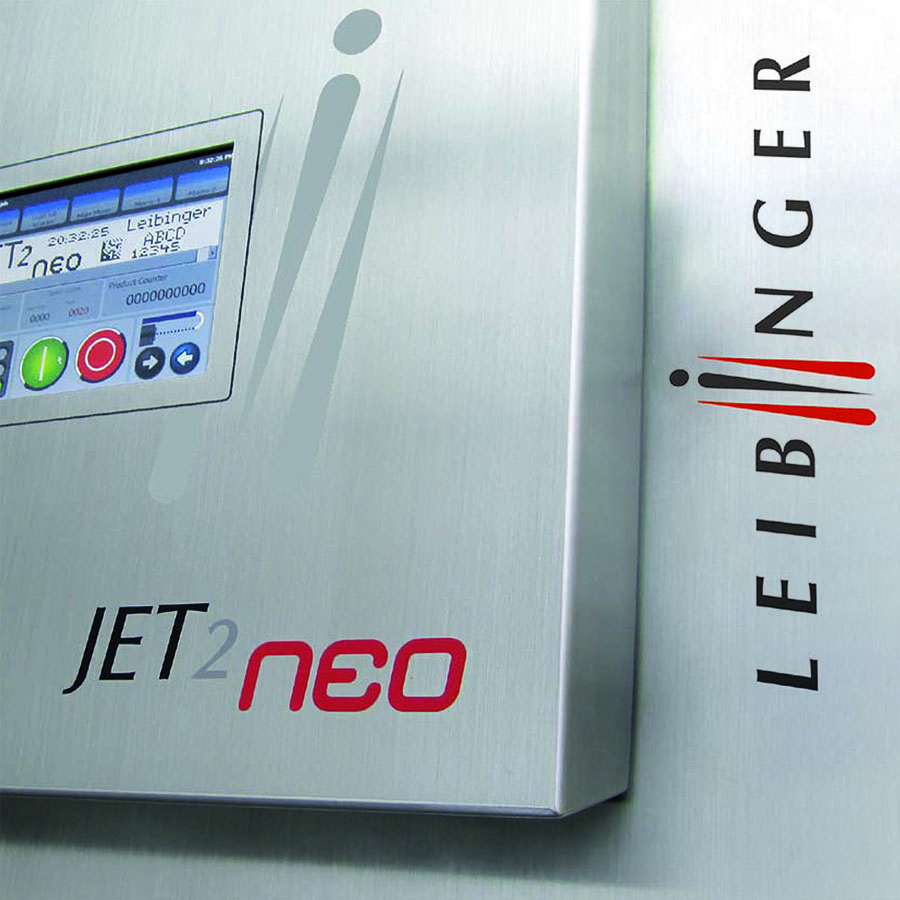
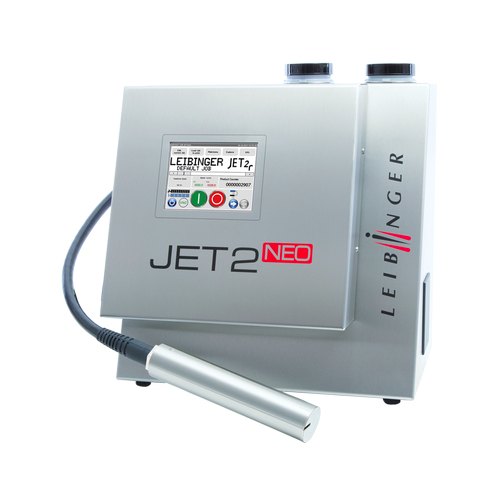
All Pro Technical Service provides CIJ printer maintenance and repair for Leibinger and Linx printers. Customers can obtain assistance by phone, arrange on-site service, or discuss sending equipment for shop evaluation.
For manufacturers managing an inkjet marking system, a clear service plan establishes how maintenance and technical support will be handled. The following sections explain the available services and what to consider before arranging assistance.
What Services Are Available for Continuous Inkjet Printers?
When coding equipment stops printing correctly, manufacturers need a clear route to assistance. The immediate question may involve an error message, an approaching maintenance requirement, or a printer that needs repair.
All Pro Technical Service helps customers identify the appropriate next step for Leibinger and Linx continuous inkjet printers. Available support includes:
- Preventative Maintenance based on manufacturer recommendations and operating conditions
- Technical assistance by phone
- On-site troubleshooting and repair
- Shop evaluation and repair of printers and eligible components
- OEM and compatible ink, makeup fluid (solvent), and related supplies
- Assessment of eligible Linx printers through the Refurbishing Program
- Refurbished printers and rental equipment
- Service contracts customized to customer needs
You can consider these services individually or discuss them together when planning ongoing support.
The scope should be clear before work begins. Customers should understand whether they are requesting troubleshooting, scheduled maintenance, repair evaluation, or equipment options.
Understanding the Printer Being Serviced
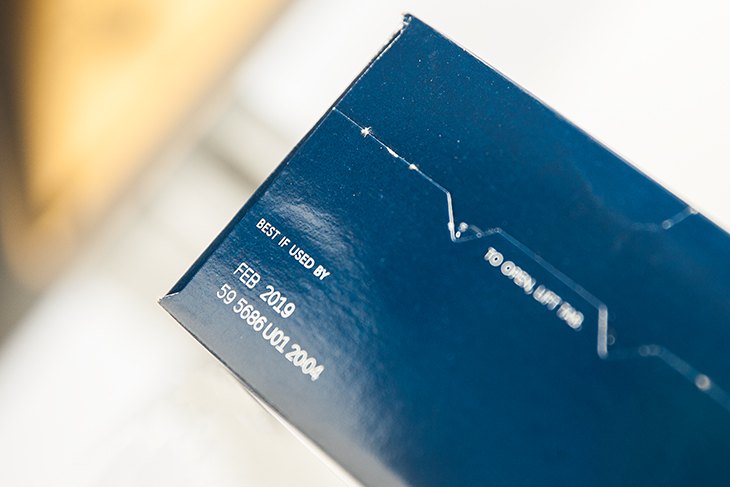
A continuous inkjet printer applies variable information directly to products or packaging during production. Common messages include expiration dates, batch codes, serial numbers, barcodes, and graphics.
Ink is forced through the printhead nozzle and formed into a continuous stream of droplets. Selected droplets are directed onto the printing surface to create the message. The printer must operate with suitable ink and settings for the application.
For a step-by-step explanation of droplet formation, code printing, and ink recirculation, read how a continuous inkjet printer works.
Printer design affects daily upkeep. Leibinger continuous inkjet printers use a sealed printhead with automatic nozzle sealing technology that reduces daily cleaning. This feature does not remove the need for manufacturer-recommended Preventative Maintenance.
Service requirements also depend on how the equipment is used. Production hours, ink type, and plant conditions help determine the attention a printer needs.
For service planning, begin with the printer manufacturer, model, and serial number. Then consider its maintenance history, current operation, and the information it prints. These details are more useful than assuming every continuous inkjet printer requires the same service approach.
What Does Preventative Maintenance Include?
Preventative Maintenance is planned service intended to support reliable printer operation. It follows the equipment manufacturer’s recommendations and considers the conditions in which the printer works.
Flushing old or expired ink and solvent and refilling with fresh fluids is one part of this service. It does not describe the full maintenance visit.
Our technician also provides applicable software updates and recommendations during Preventative Maintenance. The required work should reflect the printer model and the manufacturer’s service requirements.
Following Manufacturer-Recommended Intervals
All Pro Technical Service follows manufacturer-recommended service intervals. Maintenance planning also considers:
- Production hours and equipment usage
- The type of ink being used
- Plant environment and operating conditions
- Equipment type and model
- Previous service information
These factors should be reviewed together. A calendar reminder is useful, but it should reflect the actual equipment requirements.
Production changes should also prompt a maintenance discussion. Additional shifts, a different ink, or changes in plant conditions may affect service considerations. Customers should discuss those changes with a technician rather than adjusting the schedule without guidance.
Understanding Maintenance Notifications
An illuminated maintenance service indicator means the printer is due for Preventative Maintenance. It is not a repair indicator. Follow the manufacturer’s instructions and contact All Pro Technical Service with the printer details and serial number to arrange maintenance.
Some industrial printers are designed to stop operating until required Preventative Maintenance is performed. This does not apply universally to every printer. Check the relevant requirements for the specific equipment.
A planned maintenance discussion helps manufacturers understand what is due and coordinate access to the printer. It also creates an opportunity to mention recurring messages or changes in printing performance.
Keeping Useful Maintenance Records
A practical service record can include the visit date, work performed, and recommendations from an All Pro Technical Service technician. It can also note software updates and any follow-up discussion.
These records help the next person understand the printer’s history. They are particularly useful when different employees operate the equipment or coordinate service.
Customers should also retain the manufacturer’s operating and maintenance documentation. Understand daily operating tasks and professional service requirements separately, and direct questions to All Pro Technical Service.
Preparing for a Maintenance Visit
Before the appointment, identify the person responsible for the printer and the person coordinating access to the equipment. They may have different information to share.
The operator can describe recent printing behavior. A maintenance contact may hold previous service records. Purchasing personnel may have the details of ink and solvent orders.
Bringing this information together helps the technician understand the equipment’s use. It also gives the facility a chance to raise questions about upcoming production changes.
After the visit, share the All Pro Technical Service technician’s recommendations with the relevant employees. Also, ensure follow-up questions refer to the printer and the work discussed.
How Is CIJ Printer Maintenance Different From Repair?
CIJ printer maintenance and repair address different needs. Maintenance follows an established service requirement. Repair addresses a fault or performance issue that requires diagnosis and corrective work.
The distinction matters when arranging support. An approaching maintenance interval does not explain every printing problem. Likewise, completing a repair does not replace future scheduled maintenance.
For each service request below, provide the printer manufacturer, model, and serial number, together with the information listed.
| Service need | Purpose | Information to provide |
|---|---|---|
| Scheduled Preventative Maintenance | Complete service required for the printer | Model, usage, ink type, and maintenance history |
| Technical troubleshooting | Assess a question or reported symptom | Error messages, printing examples, and operating context |
| CIJ printer repair | Diagnose and address an equipment problem | Symptoms, previous support, and equipment details |
| Refurbishment assessment | Evaluate an eligible existing Linx printer | Model, condition, and ongoing production requirements |
A maintenance visit may identify an issue that needs further attention. If separate repair work is recommended, the customer should understand its scope before proceeding.
For example, reporting inconsistent print quality when scheduling maintenance gives the technician useful context. It does not establish whether maintenance alone will resolve the concern.
The most helpful approach is to describe what the printer is doing. This helps the technician determine whether troubleshooting, maintenance, or repair evaluation is appropriate.
For a closer comparison of service purposes and requirements, read continuous inkjet printer maintenance vs repair.
Technical Support by Phone
All Pro Technical Service offers technical assistance by phone for questions and troubleshooting.
A technician can discuss the reported issue, provide recommendations, and share relevant files, documentation, or videos. This can help customers understand the equipment and determine whether further service is needed.
Before calling, collect the printer model, serial number, and any message shown on the display. If the issue involves print quality, have an example available and describe how it differs from the expected result.
Useful questions to prepare for include:
- When was the issue first noticed?
- Does it occur continuously or intermittently?
- What information is the printer producing?
- Has the application or ink changed?
- When was the printer last serviced?
- What actions have already been taken?
Report observations as clearly as possible. A description such as “characters are missing from the message” is more useful than an assumed diagnosis.
Phone support also provides an opportunity to ask about manufacturer instructions or technician recommendations from a previous visit. If shop or on-site service is needed, the discussion can help establish the next step.
Request technical assistance from All Pro Technical Service with the printer details and reported symptoms.
Signs That a CIJ Printer Needs Attention
A service request does not have to wait until a printer stops operating. Performance changes or a maintenance notification are reasons to seek guidance.
Common reasons to contact All Pro Technical Service include:
- An illuminated service indicator
- Faded or inconsistent print
- Missing characters
- Recurring display messages
- Higher ink consumption than normally observed
- Difficulty starting the printer
- Changes in code placement or printing accuracy
For guidance on documenting these observations, read 5 signs that a CIJ printer needs attention. The guide explains what to report for each sign before requesting support.
These observations do not identify a particular failure. Similar symptoms can require different responses depending on the printer and application.
A clear record helps explain what is happening. Note whether the problem appears during startup, throughout production, or under particular operating conditions. Keep an example of the affected printing when possible.
Also distinguish a new concern from a recurring one. Previous service notes may help explain what has already been assessed.
When discussing the issue, avoid treating every display message as a repair diagnosis. Some messages may relate to service requirements or operating conditions. Follow the manufacturer’s instructions and seek technical guidance on the specific message.
Ink, Makeup Fluid (Solvent), and Supporting Supplies
Consumable selection is part of keeping a continuous inkjet printer ready for production. The printer, ink type, substrate, and application all matter when discussing supplies.
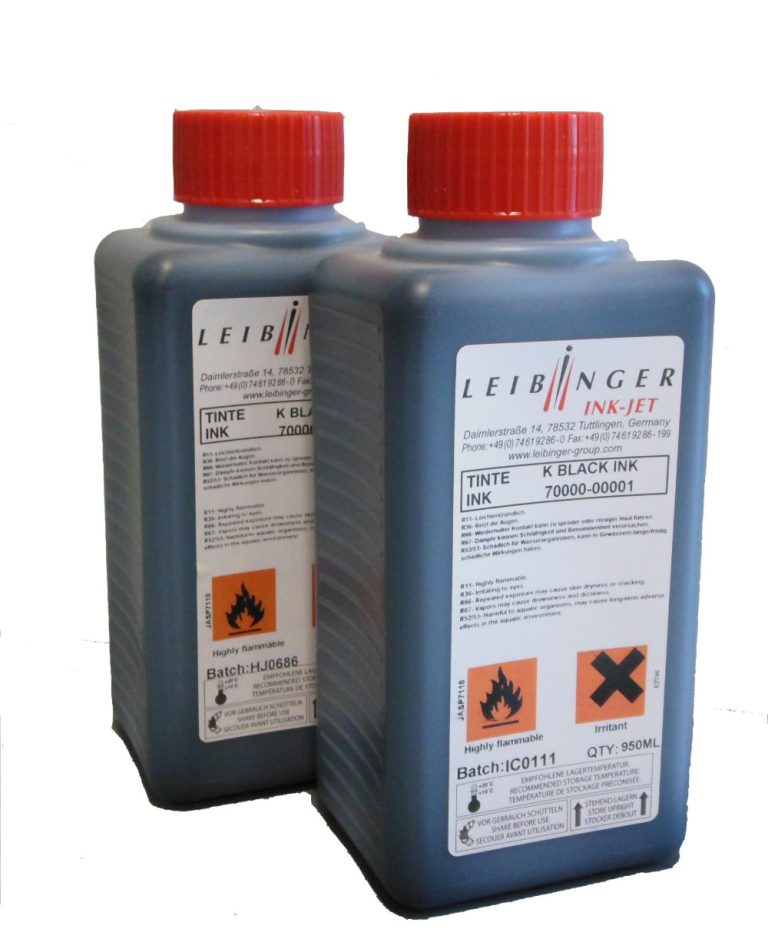
All Pro Technical Service supplies OEM and compatible ink, makeup fluid (solvent), and related products. Customers should use OEM consumables or alternatives recommended by All Pro Technical Service for the relevant equipment.
Compatibility should not be assumed from a general product description. When ordering, provide the printer model, serial number, and details of the consumable currently in use.
Contact All Pro Technical Service for guidance on inks and solvents for the printer. Our trained technicians can confirm the appropriate supply for a particular printer.
Useful ordering information includes:
- Printer manufacturer, model, and serial number
- Current ink and makeup fluid (solvent) identification
- Printing substrate and application
- Any proposed change in consumables
- The quantity required for the order
We also offer system accessories, including printhead stands, photocells, encoders, and alarm beacons. Discuss accessory requirements in relation to the production application.
Keeping consumable information accessible can simplify reordering and technical discussions. It also helps purchasing and maintenance personnel work from the same equipment details.
Refurbished Linx Printers and Rental Equipment
Repair is one option when reviewing an existing printer. Refurbishment, a refurbished purchase, or rental equipment may also fit the specific circumstances.
All Pro Technical Service offers refurbished Linx printers for sale. Through the Refurbishing Program, we can also assess an existing Linx printer for refurbishment.
Eligibility depends on the model and condition. Customers should discuss the specific equipment rather than assume the program covers every Linx printer.
Considering Refurbishment
A refurbishment inquiry should explain what the printer currently does and what the production application requires. Its condition and service history provide useful context.
The discussion should also consider whether the existing equipment still meets printing needs. Message requirements, production arrangements, and future use are relevant when evaluating the available options.
An assessment helps establish whether refurbishment is appropriate for the particular printer.
Discussing Rental Equipment
Rental equipment is another available option. A customer may inquire about temporary equipment during a repair period or for a defined production requirement.
The discussion should cover availability, application suitability, rental terms, and included support. Evaluate a rental printer against the actual coding requirement before making arrangements.
Comparing options involves more than the initial equipment price. Manufacturers should also consider expected use, consumables, maintenance, and available technical support.
What Can a Custom Service Contract Address?
All Pro Technical Service offers service contracts customized to customer needs and requests. The agreed scope should explain the services covered and how support is arranged.
A contract discussion can begin with the equipment involved and its operating requirements. Useful background includes each printer’s manufacturer, model, serial number, production hours, ink type, and maintenance records.
Customers should also explain how their facility coordinates service. Some operations have a dedicated maintenance contact, while others divide responsibility between production and purchasing.
Before accepting a proposal, review:
- Which printers the agreement covers
- The maintenance arrangements
- How service requests are submitted
- What work is included
- Which items require separate quotations
- How changes to equipment or usage are handled
Confirm repair coverage and consumables in the individual agreement. They should not be assumed to be included because a contract is described as customized.
The purpose is to make responsibilities and expectations understandable. A clear agreement gives the customer a reference when arranging support or discussing an additional requirement.
Manufacturers can request a contract discussion when establishing a maintenance plan or reviewing existing service arrangements.
When Should the Coding Application Be Reviewed?
Servicing an existing printer is an opportunity to discuss whether the application has changed. A different package, larger message, or new production requirement may affect equipment selection.
The right inkjet marking system depends on substrate, production speed, print quality needs, and budget. Print placement, required print area, and cost of ownership also belong in the discussion.
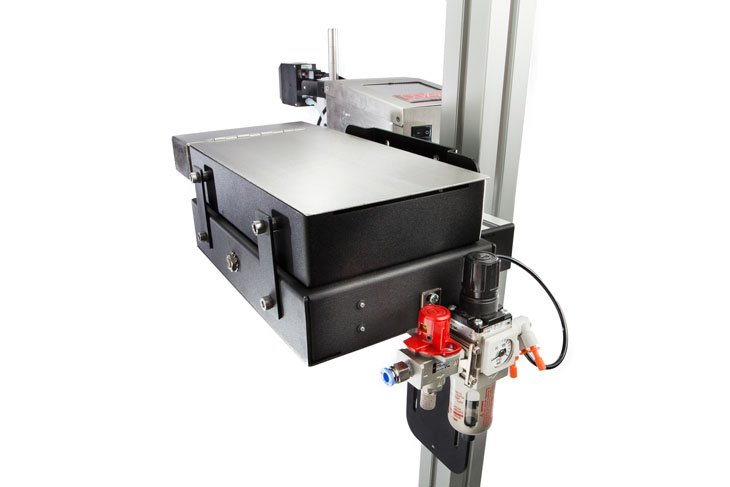
For high-resolution case coding, Squid CoPilot printers are an important part of the available product range. The required print-area size is the primary factor when selecting a CoPilot model. Customers should explain whether the message includes large text, detailed graphics, barcodes, or other information.
Thermal inkjet and laser marking are additional technologies for appropriate applications. Laser marking creates codes without printing ink or makeup fluid (solvent). Choosing it requires considering the substrate and intended result.
Reiner handheld printers and Markoprint options suit portable printing or smaller-scale applications.
This review should begin with the production requirement. Service history provides context, but equipment recommendations should also reflect what you print and how production operates.
Industries and Production Requirements
All Pro Technical Service works with manufacturers that need product identification and coding. Applications span food and beverage, pharmaceuticals, consumer packaged goods, automotive, and wire, pipe, and cable manufacturing.
Metal manufacturing and metal finishing also use coding equipment, including applications involving metal sheets and machined parts.
The service discussion should focus on what the printer must produce. Depending on the application, that may involve lot numbers, dates, serial numbers, barcodes, or graphics.
Useful application details include:
- The product or packaging material
- The required printed information
- Message size and print placement
- Production speed
- The ink being used
- Relevant operating conditions
For bottle applications, print placement may involve the lid, shoulder, side, or bottom. Pipe applications may involve PVC, HDPE, ABS, metal, or copper.
Clear printing supports product identification and traceability processes. The manufacturer remains responsible for determining the required information and applicable product requirements.
Sharing those requirements helps All Pro Technical Service understand the equipment’s role and the service support needed.
Choosing a Service Provider and Preparing a Request
A service provider should understand the equipment and explain how it arranges assistance. Manufacturers should consider support when purchasing a printer and when reviewing an existing service relationship.
Two common buying mistakes are choosing equipment without local service support and relying on high-pressure, unfamiliar representatives who over-promise.
Questions about the support arrangement can make the decision more concrete. Ask who handles technical inquiries, how repair assessment works, and where equipment can be serviced.
Also discuss the provider’s familiarity with the printer and its application. A broad product catalog does not establish support for every model.
It is best to contact All Pro Technical Service with the following information:
- Printer manufacturer, serial number, and model
- Facility location and contact details
- A description of the issue or requested maintenance
- Display messages or printing examples
- Relevant maintenance and repair history
- Current ink information
- Equipment access or production scheduling considerations
For an existing maintenance plan, mention any changes in production hours or operating conditions. These details help make the service conversation specific to the equipment.
Continuous Inkjet Printer Service From All Pro Technical Service
All Pro Technical Service is a family-owned business established in 2004. Based in St. Charles, Missouri, the company sells, services, and supports industrial coding equipment.
CIJ service focuses on Leibinger and Linx printers. Factory-trained technicians and shop technicians provide support backed by decades of technical expertise.
We focus on understanding printer problems and addressing their root causes. Customers can discuss technical questions, maintenance, repairs, consumables, and equipment options based on their application.
Reach out to discuss service options for the facility’s location. On-site service, phone assistance, and shop repair offer different ways to obtain help. When an on-site visit is needed, All Pro Technical Service will dispatch a technician from one of our locations.
Contact All Pro Technical Service to request CIJ printer maintenance, discuss a repair, or review ongoing service needs.
Frequently Asked Questions
How often should a CIJ printer receive Preventative Maintenance?
All Pro Technical Service follows manufacturer-recommended intervals. Planning also considers production hours, ink type, equipment type, and plant environment. Contact All Pro Technical Service with the printer manufacturer, model, serial number, and service history to discuss maintenance requirements.
Can technical support help before an on-site visit?
Yes. A phone discussion can provide troubleshooting recommendations and access to relevant documentation, files, or videos. Depending on the issue, All Pro Technical Service may recommend further shop or on-site assessment.
Can a complete printer be sent for repair?
Yes. Customers can discuss sending a Leibinger or Linx printer to All Pro Technical Service’s shop. Reach out for preparation and return authorization instructions before shipping. Eligible components can also be assessed through the appropriate repair process.
Do repairs and consumables come with every service contract?
Contract scope depends on the individual agreement. Customers should confirm covered equipment, maintenance arrangements, repair provisions, and any consumable inclusions before accepting a proposal. Discuss items outside the agreed scope separately.
Can an existing Linx printer be refurbished?
All Pro Technical Service can assess an existing Linx printer through the Refurbishing Program. Suitability depends on the model and condition. Refurbished Linx printers are also available for sale, and customers can inquire about rental equipment.
Related Insights